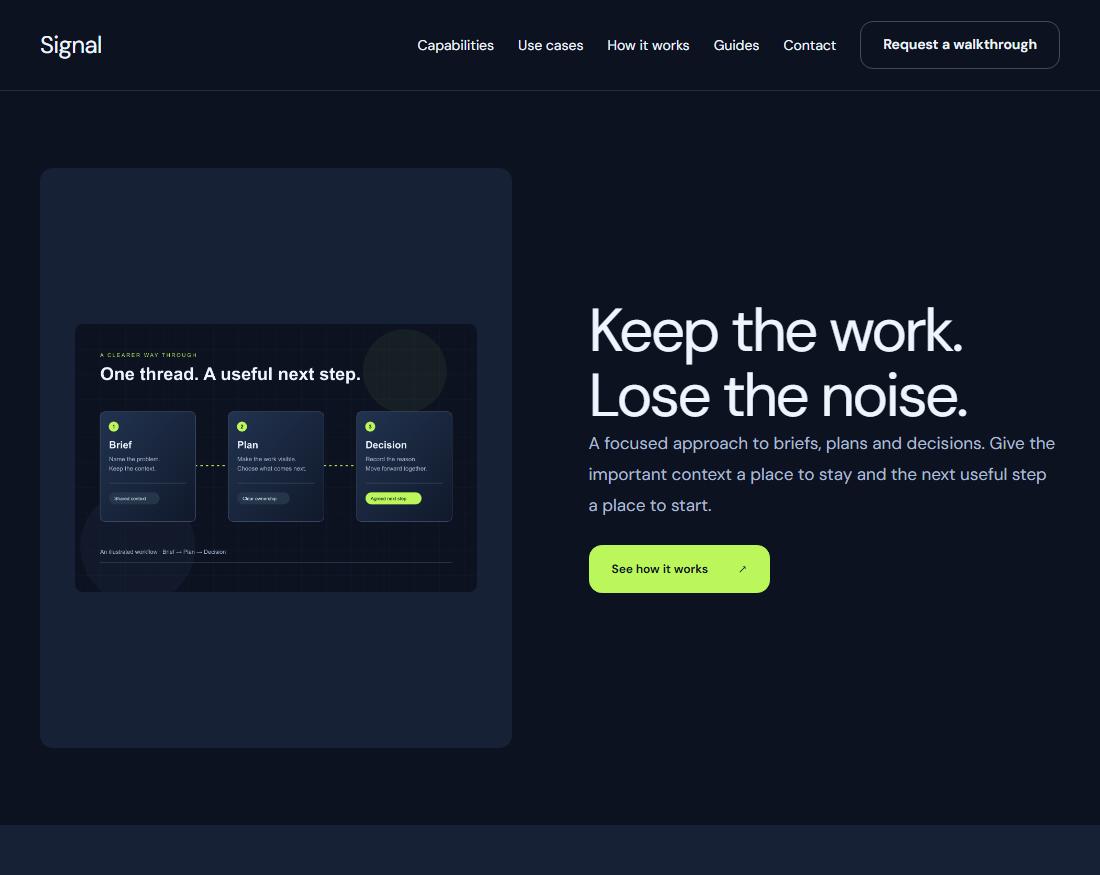
Cloud beta

Build your website.
Make it easy to manage.

Design visually, manage content in a focused CMS, and publish from one workspace. Keep the building tools with you and the everyday edits simple.

Fieldwork
fieldwork.Interiors & everyday living
Thoughtfully at home

Considered spaces for the way you live.

HeadingContent
Accent
Real Svelte componentsStructured contentBuilt-in publishing

The right workspace
for each kind of work.

Design the whole experience in Studio. Give everyday content a simpler home in the CMS.

Introduction
A place for
your point of view.Heading
Explore our work
Appearance
Font
Heading font
Size
48
Colour

Design with the real thing.

Select headings, images and actions. Adjust their content, layout and interaction states using the same components your published website renders.

Explore the component library
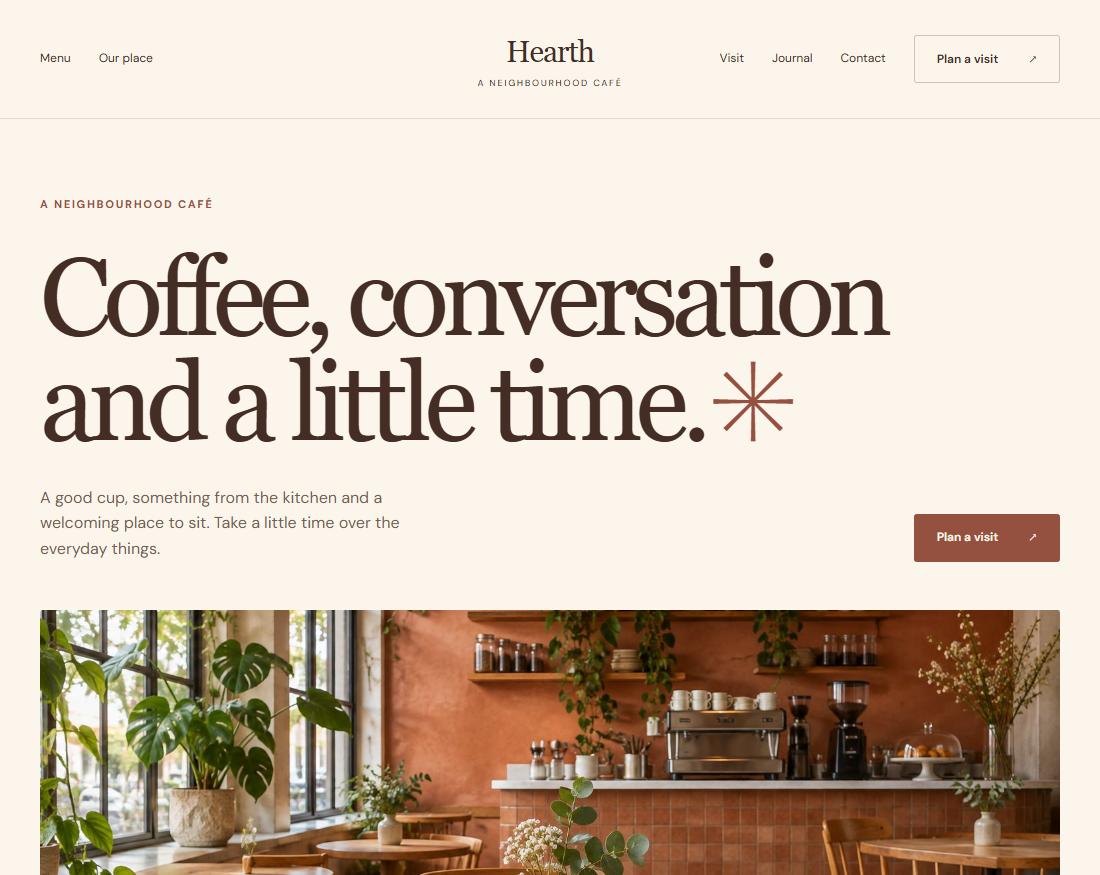
Business detailsShared
Studio name
Fieldwork
Contact email
hello@fieldwork.example
HeaderFooterContact

One source. Fewer loose ends.

Reuse shared business details, headers and footers. Manage galleries, articles and services as structured content instead of rebuilding a layout for every edit.

See how content works

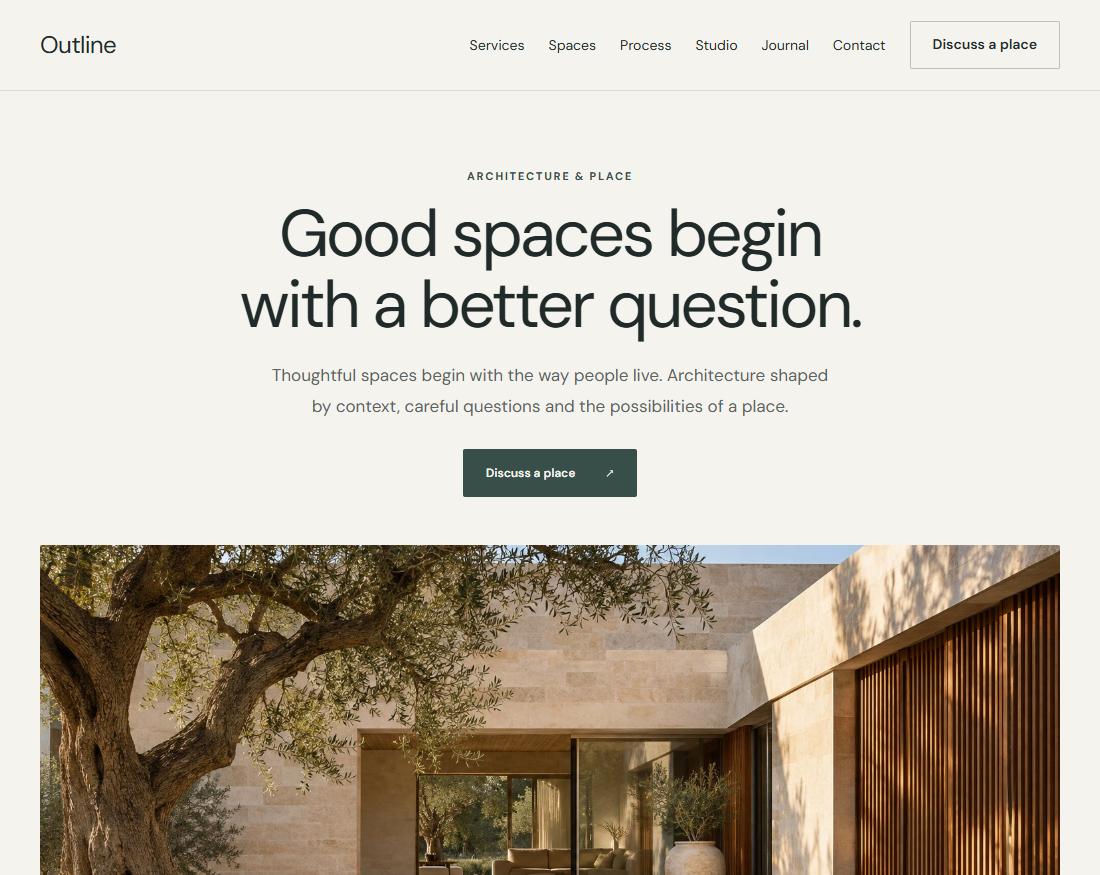
Start with a complete template.
Make it entirely your own.

A considered starting point for a service business, an independent portfolio or a new product.

Browse templates
Publishing

Ready when
your content is.

Preview drafts privately, then publish to a managed website URL. Content updates go live without rebuilding your website, with saved revisions to return to.

Create your workspace
Your websitePublishing workflow
  1. DraftWork at your own pace.
  2. Private previewReview the whole website.
  3. Public websiteYour content, published.
Saved revisions stay with the project.
F
FieldworkProject ownership preview
Studio workspaceClient workspace
Studio access ends at handover
Client handover

Leave your client
with a website.
And room to use it.

Choose which fields your client can edit, invite them to the project, or transfer ownership. Your other projects stay separate.

The website and its history stay intact when ownership changes.

Read the handover guide
AI assistance Beta

A starting point.
Still your decision.

Use your own provider key or connect OpenRouter to draft pages. Review each proposal before it becomes part of your website.

Explore the documentation
01

Request

Describe the change you have in mind.

02

Review

See the proposal before it changes your content.

03

Apply

Keep the changes you want. Stay in control.

A few useful answers.

Do I need a repository or a separate CMS?

No. The current Cloud beta brings the builder, CMS and managed publishing together. You can build and publish from your workspace.

What can my client edit?

You choose the fields and content they can manage. Invitations grant access to a specific project, and ownership can be transferred to their own organisation.

Does publishing rebuild the website?

Ordinary content updates publish through the managed runtime without a new application build. Draft previews and public content stay separate.

Can I use my ChatGPT or Claude subscription?

API access and any subscription credits are managed by your provider. Mallowmint AI accepts supported provider keys and OpenRouter account connections.

How does hosting work?

Building and private previews are free. Hosting is a separate subscription for each website. You can assign a customer to pay for hosting while keeping their editing access separate.

What does Cloud beta mean?

The product is still developing. The visual builder, content workflows and managed publishing are available. Hosting subscriptions and custom domains are being tested before wider release. Separate SDK hosting remains future work.

Your next website
can start here.

Build your website