Create the project
Build a website for Meadow & Moss, a fictional garden design business. You will give it a home page, a services page, a small journal and a contact page, then prepare it for a customer to manage. For a real project, replace the examples with your own details and claims you can support.
Sign in to Mallowmint. If your account still needs verification, open Account and choose Verify email. Open the message sent to your address before continuing with invitations or hosting.
From Projects, choose New project. Select Fieldwork, name the project Meadow & Moss, and keep Flat files as its content storage. Create the project in the organisation that should own it for now. An agency can build in its own organisation and transfer this one project later.
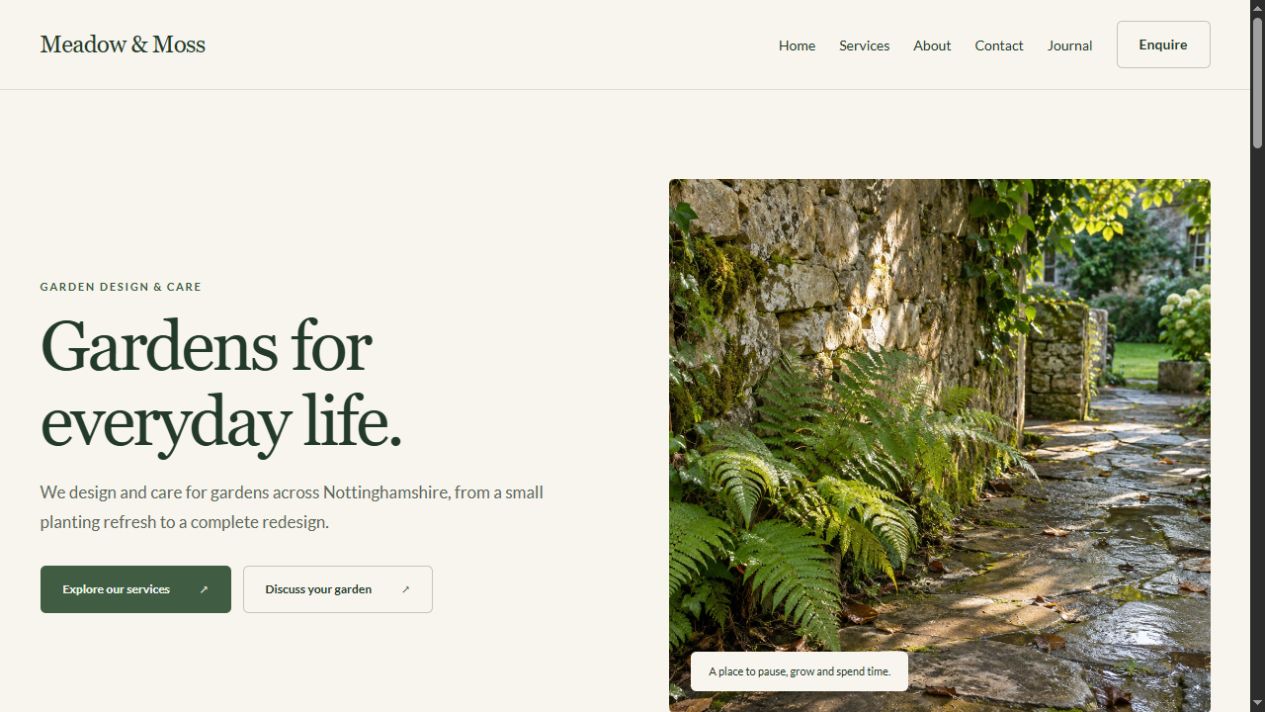
Fieldwork already includes Home, Services, About and Contact. Its green palette and warm background are a useful starting point for this garden business. You do not need to choose fonts, invent a page structure or connect every service card before you can begin.
Find your way around Studio
Open the project in Studio. Choose Pages, then Home. The centre of the screen shows the website; selecting something on it opens its controls on the right. Use Content to change what it says, Layout to arrange the selected element, and Appearance to change how it looks. The editing outline identifies your selection and is not part of the website.
For this first pass, keep the template's structure. Start with the business name, the main introduction and one photograph. You can make a better decision about extra sections once those are in place.
Open Preview before editing. Visit Services and Contact, then return to Studio. This gives you a baseline: four connected pages, still using the template's sample content. Preview is for people with project access; you have not created a public website simply by creating the project.